Ants in a Laptop: Getting Them Out Without Damage

If ants are in your laptop, shut it down, unplug it, and do not spray anything into it; tip it over paper, blow the keyboard out with short bursts of compressed air, then bait the colony that sent them. Most ants are foraging for crumbs and sugar on the keys and leave once the food goes. A few tiny species, notably pharaoh and ghost ants, can nest in warm, enclosed spaces, and that is when a repair shop should open the case.
What you are seeing, and what to do
| Symptom | Likely cause | Step |
|---|---|---|
| A few ants walking over the keys, trail from the desk edge or wall | Foragers after crumbs or a sugary spill | Shut down, clean the keyboard, bait the trail away from the laptop |
| Ants keep coming out from under the keys days later | Food residue inside, or ants sheltering | Compressed air at an angle; repeat after 24 hours |
| Tiny pale or yellow ants, 1.3 to 2 mm, eggs or white larvae visible at vents | Ghost or pharaoh ant nest inside (crazy ants are larger, about 1/8 in) | Repair shop opens and cleans it; bait the room |
| Dead ants inside and the laptop shuts off, will not charge or keys fail | Possible short or debris on contacts | Stop using it; take it to a repair shop |
| Ants on the laptop only when it sits on the floor or a windowsill | Colony in the wall or floor nearby | Move the laptop; treat the colony with bait |
Compiled by The Pest Control Brief from UF/IFAS Featured Creatures EENY310 and IN533, UC IPM Pest Notes: Ants (7411), Texas A&M AgriLife and Apple support guidance.

What to do if ants get inside a laptop?
- Shut it down and unplug it. Apple’s cleaning guidance for laptops starts with “first shut down your computer and unplug the power adapter,” and its general rules are “Keep liquids away from the product,” “Don’t get moisture into any openings” and “Don’t use aerosol sprays.” That rules out insect spray, vinegar, rubbing alcohol or water poured into the keyboard.
- Tip out what you can. Close the lid, hold the laptop upside down over a sheet of white paper and tap the base gently. Loose ants and crumbs fall out, and the paper shows you what species you have.
- Use compressed air the way manufacturers describe. Apple’s MacBook keyboard instructions say to hold the laptop “at a 75-degree angle,” spray “in a left-to-right motion,” repeat with the laptop on its right side and its left side, keep the straw “about a half-inch away from the keyboard,” and never invert the can.
- Wipe the outside. A barely damp, lint-free cloth removes the sugar film that drew the ants. Apple allows a 70 per cent isopropyl alcohol wipe on hard surfaces but not liquid running into openings.
- Bait the colony, not the computer. UC IPM explains that worker ants carry slow-acting bait “back to the nest where the entire colony, including queens, can be killed.” Put bait stations on the ant trail, at the wall or floor edge where it starts, never on or inside the laptop.
- Keep the laptop off the trail. Store it on a clean shelf or table away from the wall until the trail stops.
The same rules apply to other devices. Our guide to roaches inside TVs, consoles and other electronics covers vents and warranties.
Kitchen appliances work the same way: clearing ants from a microwave follows the same unplug, clean and bait order.
How to get rid of ants in a laptop keyboard without opening it
Steps 1 to 4 above clear most foraging ants without removing a screw. Work in two or three sessions a day apart, because ants hiding under keycaps keep coming out. If ants are still emerging after the trail outside has stopped and baits have been taken for several days, something inside is holding them, either food residue or a nest, and opening the case is the next step. Opening a laptop can void a warranty or damage ribbon cables, so a repair shop is the safer choice.
Do not use these
- Insecticide sprays or foggers into the device. Apple says not to spray liquids or aerosols into openings, and UC IPM notes indoor ant sprays “only provide temporary control and may not be safe to use indoors.”
- The freezer. Apple rates the MacBook Air for storage down to minus 13 °F (minus 25 °C) but for humidity only “noncondensing,” and condensation is what forms when a cold device comes back into a warm room. We found no published freezing time that clears ants from electronics.
- Heat, ovens or hair dryers. The same specification caps storage at 113 °F (45 °C).
- Sound or ultrasonic apps. We found no published evidence that sound drives ants out of a device.
Can ants survive in a laptop?
Yes, for a while, and a few species can live there. UF/IFAS says pharaoh ants nest in “inaccessible, warm (80°F to 86°F), and humid (80%) areas near sources of food and/or water” and “will nest in the oddest places, such as between sheets of stationary, layers of bed linen and clothes, in appliances.” A laptop that sits on a warm desk near a snack plate fits that description better than most places. UF/IFAS describes ghost ants as “opportunistic nesters in places that sometimes remain habitable for only a few days or weeks,” nesting indoors “in small spaces such as cracks, spaces between books, or wall voids.”
Both species form colonies with many queens and spread by budding, which is why spraying is a bad idea: UF/IFAS warns that repellent products can cause “the colony to fracture and bud.” Our page on why spraying pharaoh ants splits the colony explains the problem.
Ghost ant workers are 1.3 to 1.5 mm with a dark head and milky abdomen, and the ghost ant guide covers the pale-legged species that UF/IFAS calls most common in central and southern Florida.

Is ants in a laptop bad? The damage question
Usually the harm is mess, not damage: a few foragers on the keyboard do not hurt a laptop. The risk rises with numbers. Texas A&M states that in areas infested by the tawny crazy ant, “large numbers of ants have accumulated in electrical equipment, causing short circuits and clogging switching mechanisms resulting in equipment failure,” in some cases costing “several thousand dollars in damage and remedial costs.” UF/IFAS includes an image of pharaoh ants packed into an electrical switch mechanism. Our explainer on why some ants are drawn into electrical outlets and equipment covers fire ants and crazy ants in detail.
Signs that ants may have caused a problem inside: the laptop shuts down unexpectedly, keys stop registering, the fan grinds, or you see dead ants in the vents. Stop using it and have it cleaned professionally; Apple notes liquid damage is not covered by its warranty, so avoid any home remedy that involves liquid.
Why do ants keep coming to my laptop?
Food first. UC IPM says Argentine and odorous house ants forage for sweets in homes, and UF/IFAS says ghost ants show “a preference for sweets,” feeding on “sugar, cakes, and syrups.” A keyboard used while eating holds crumbs and sugary residue between the keys. Warmth is the second draw for nesting species. The scent trail is the third: UC IPM advises wiping trails “with soapy water” because ants follow the scent their nestmates leave, so ants keep arriving until the trail is cleaned and the colony is baited. Our page on the small ants people call sugar ants helps name the species.
Our analysis of iNaturalist research-grade records shows the timing differs by species. Odorous house ant records peak from March to May (index 153), when colonies forage hardest. Ghost ant records peak in January (211) and December (196); that most likely reflects people noticing them indoors when little else is about, not more breeding. Records show when people notice and record ants, not indoor infestation rates.
How do I tell if ants are in my laptop?
- Ants walking out from under keycaps or out of vents and ports after the laptop has been closed for a while.
- Tiny white eggs, larvae or pupae at a vent, which mean a nest, not foragers.
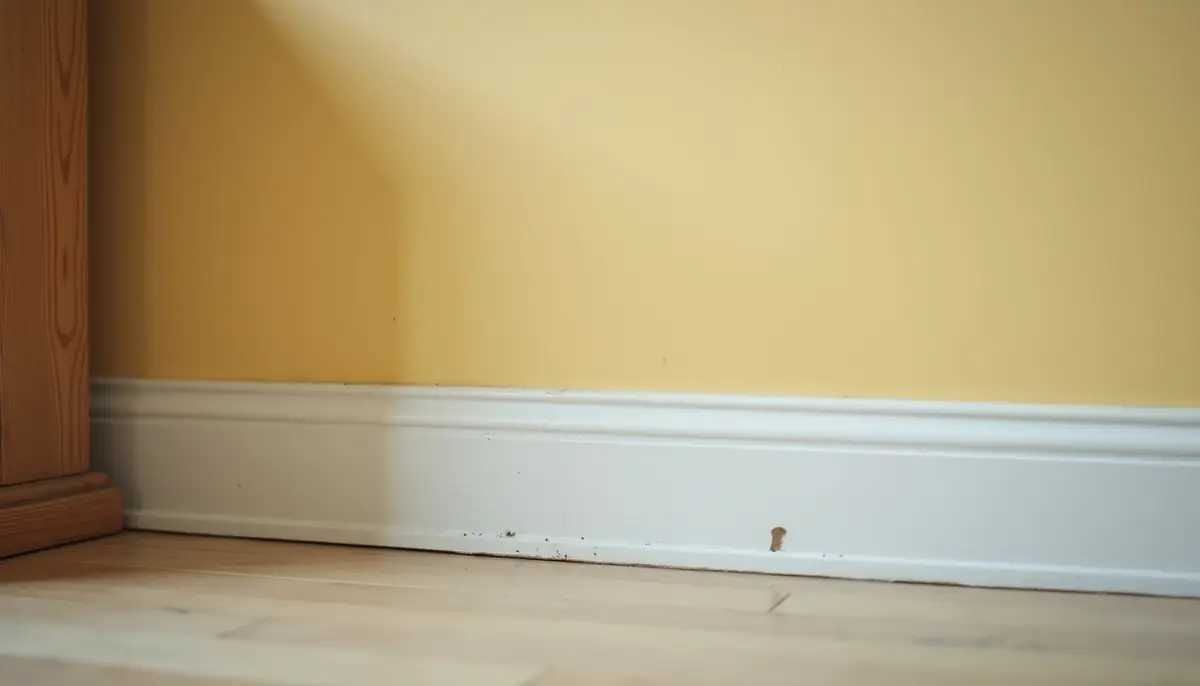
- A trail running up the desk leg or along the wall to where the laptop sits.
- Ants appearing from the laptop when it warms up during use.
If you see brood, or the ants are 2 mm or smaller and pale or yellow, use the ant identification guide to name them.
Then work on the house, not the laptop, which is only where the colony is showing itself. The full ant control plan for the house covers bait placement by species.
Frequently asked questions
Can ants live in laptops?
Some can. UF/IFAS records pharaoh ants nesting in warm spaces of 80 to 86°F, including appliances, and ghost ants nesting opportunistically in small cracks and spaces. Most ants found in laptops, though, are foragers from a colony in the wall or floor, there for crumbs and sugar. Brood visible at the vents is the sign of a nest inside.
Can ants damage a laptop?
A few foragers rarely do. Large numbers can: Texas A&M reports tawny crazy ants accumulating in electrical equipment and causing short circuits and failed switching mechanisms. If a laptop shuts down, stops charging or loses keys after an ant problem, stop using it and take it to a repair shop rather than opening it or adding liquid.
Should I put ant bait near my laptop?
Put it on the ant trail, not on or in the laptop. UC IPM says slow-acting baits work because workers carry them back to the nest. Place stations where the trail meets the wall, floor or window, keep the laptop elsewhere until the trail stops, and follow the bait label.
Will putting a laptop in a bag kill the ants?
We found no published test of bagging electronics against ants. A sealed bag stops more ants reaching the laptop while the colony is baited, but it will not reliably kill ants already inside. Never bag a laptop with insecticide, and never freeze it, because Apple rates its laptops only for noncondensing humidity.
Sources
- University of Florida IFAS, Featured Creatures EENY310 (IN532), Ghost Ant, Tapinoma melanocephalum, Nickerson, Bloomcamp and Pereira.
- University of Florida IFAS, Featured Creatures (IN533), Pharaoh Ant, Monomorium pharaonis.
- University of California Statewide IPM Program, Pest Notes: Ants (7411), and Key to Identifying Common Household Ants (pharaoh, odorous house and Argentine ant pages).
- Texas A&M AgriLife Extension, Urban and Structural Entomology, Rasberry (tawny) crazy ant.
- Apple Support, How to clean your Apple products (103258) and How to clean the keyboard of your MacBook (102365).
- Apple, MacBook Air technical specifications, operating requirements.
- The Pest Control Brief analysis of iNaturalist research-grade records, pulled October 2026 (b19 to b30 files).